 For Android
Unfilter.
Peel back the icon.
See the stack.
Unfilter uncovers what installed apps are built with, layered with task-manager signal, memory/storage insight, and privacy-first local scanning.
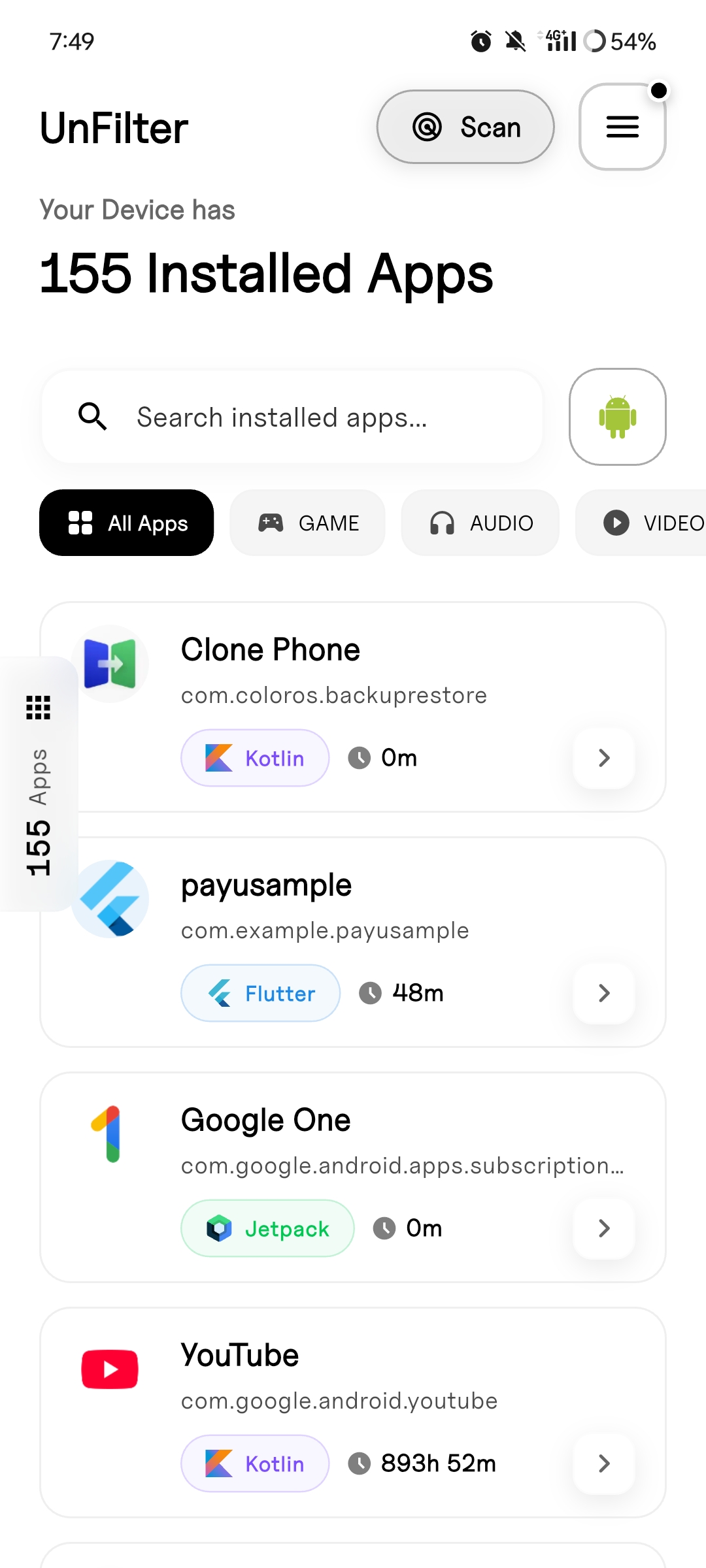
Peek, play, and discover.
App Fingerprinting
Surfaces the frameworks, engines, and native signals hiding inside installed apps. Quick read on what an app is made of, without the lab report feel.
Dev-Friendly Insight
Gives you a quick read on what an app is made of, without making it feel like a lab report. Clean, technical details that just make sense.
Task Manager
Real-time view of active processes and memory usage. See what apps are actually doing when you're not looking.
Storage & Usage
Detailed analysis of app size, cache, and daily screen time. Know exactly how much space and attention each app gets.
System Info
Overview of device sensor data, battery health, and hardware specs. Your phone's complete technical profile in one place.
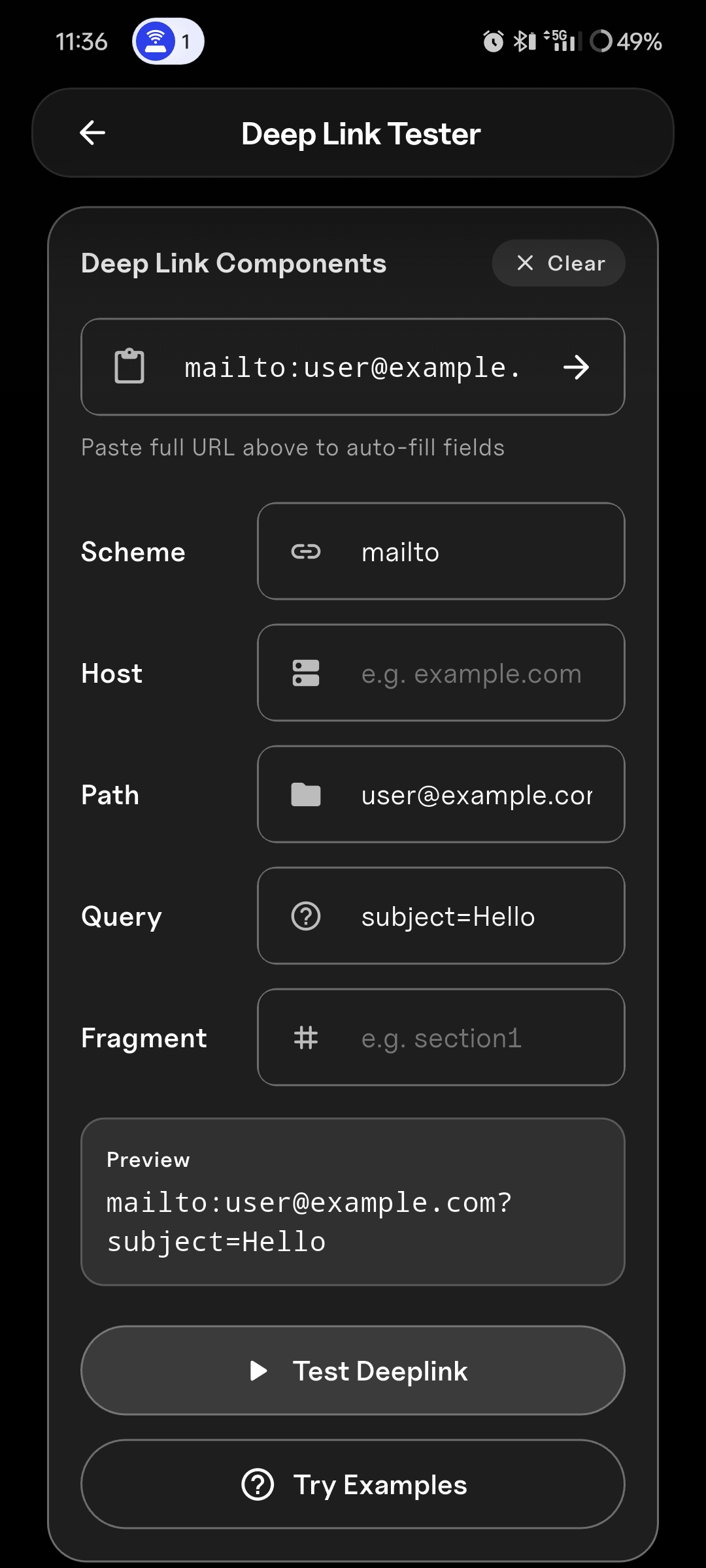
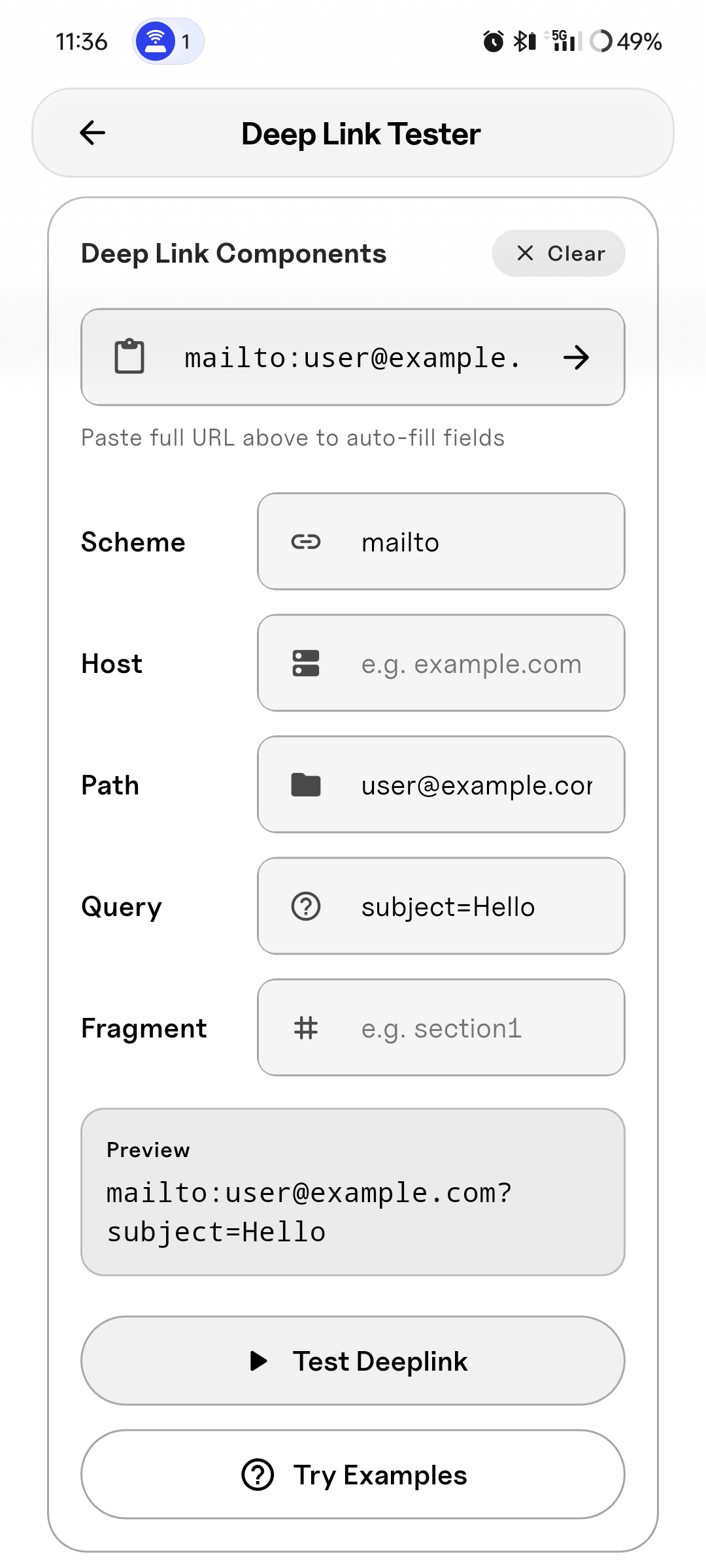
DeepLink Tester
NEW: Test and debug deep links with ease. Verify URL schemes, test custom protocols, and ensure your app links work perfectly every time.
Designed for clarity, built for depth.
Home
Your apps, decoded. A clean dashboard showing every installed app with its detected framework badges.
App Details
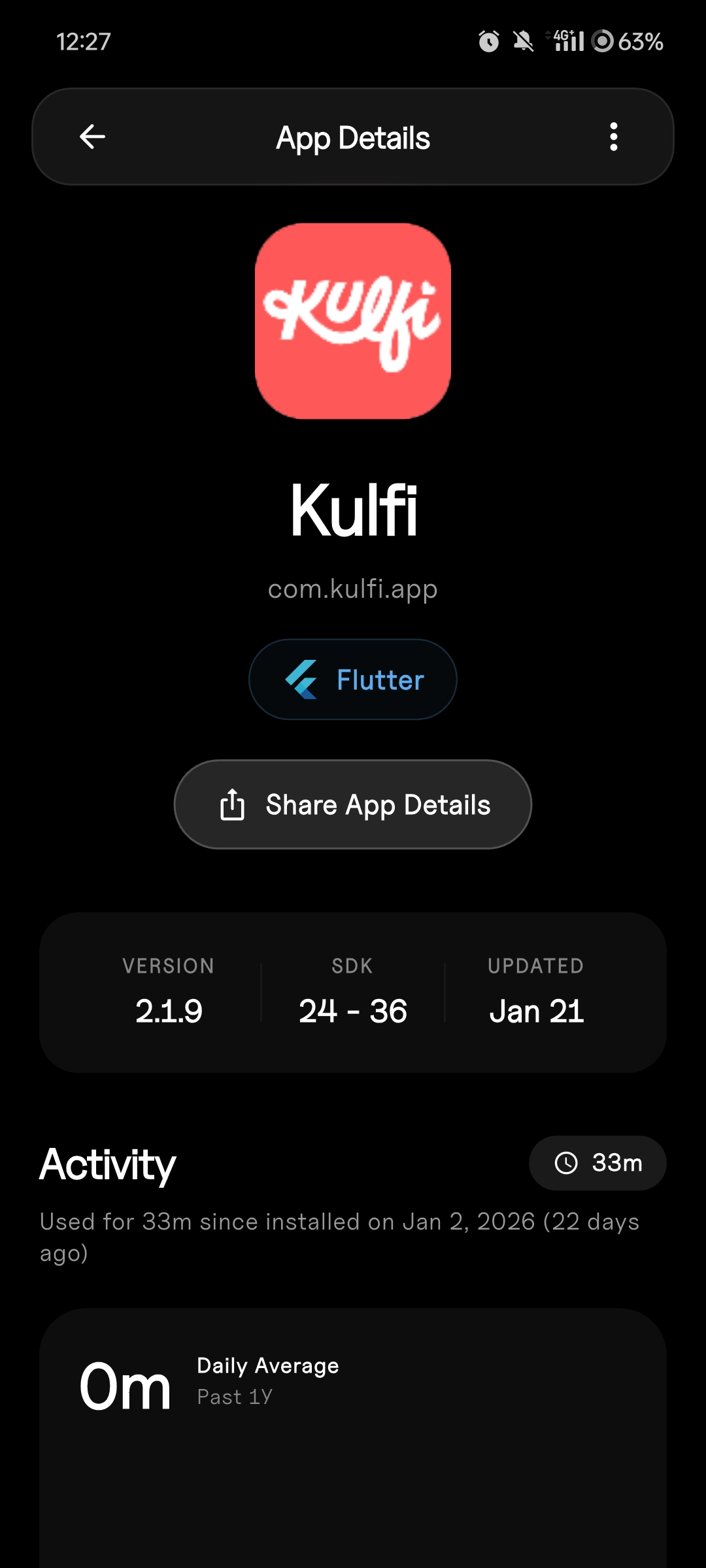
Deep dive into any app. Framework detection, native signals, build artifacts, and dependency mapping all in one view.
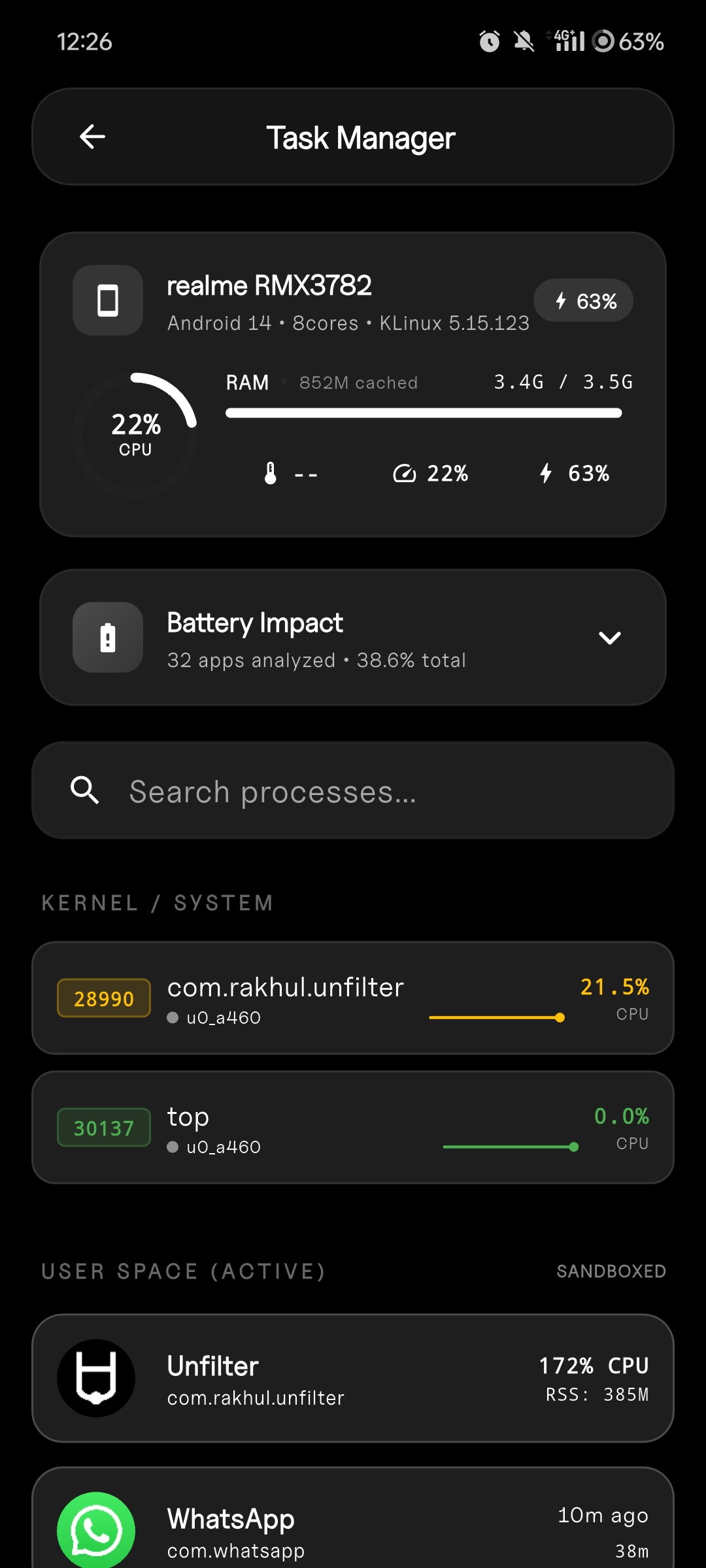
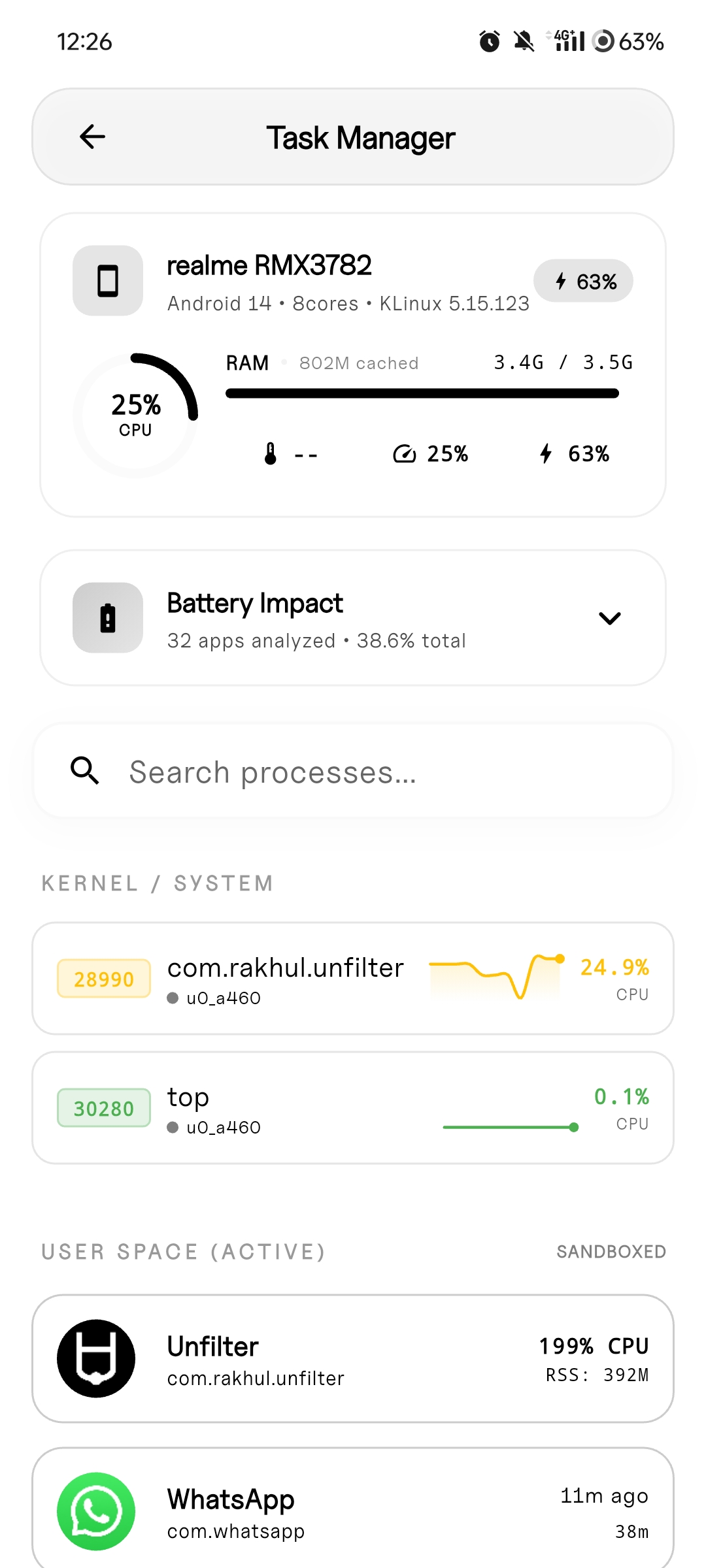
Task Manager
Real-time process monitoring. Memory usage, CPU impact, and background activity tracking with visual performance metrics.
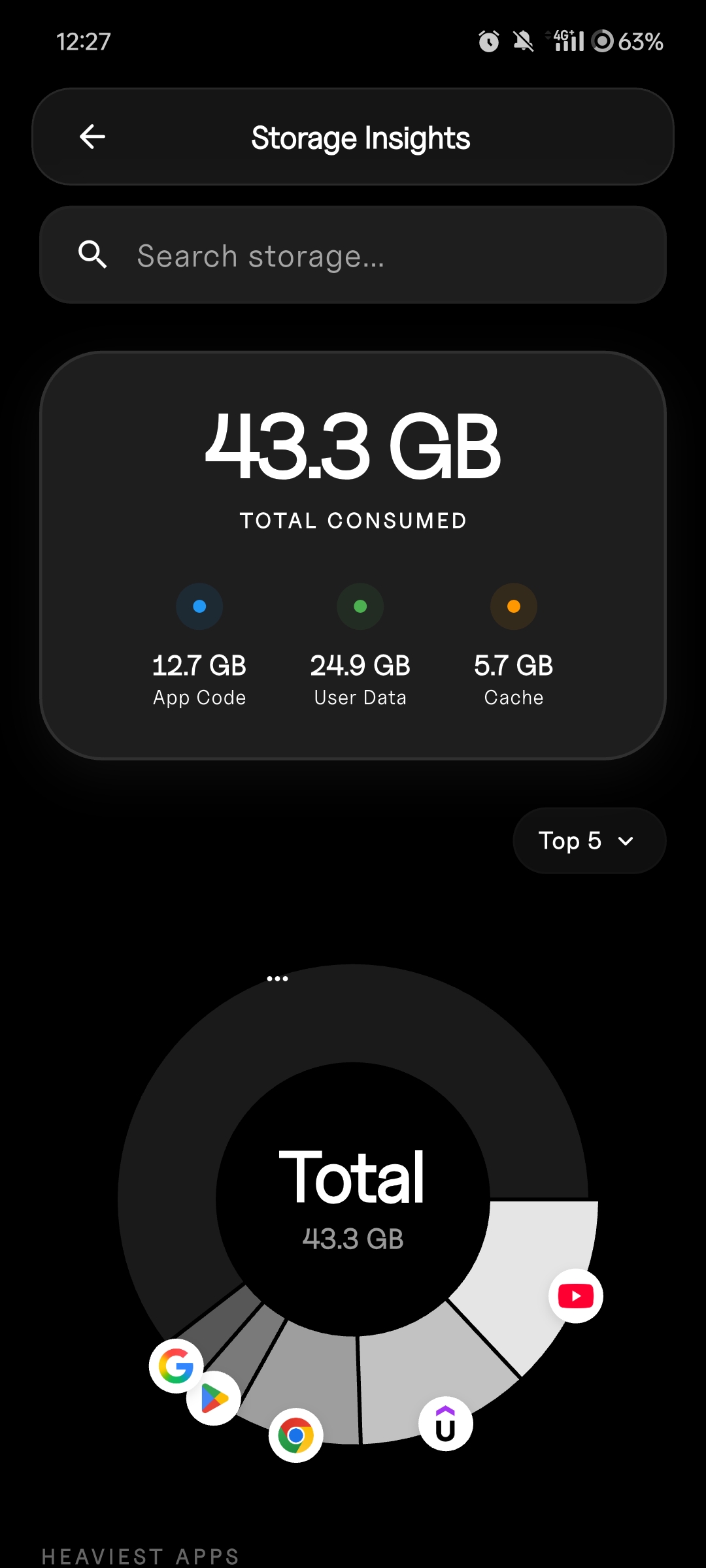
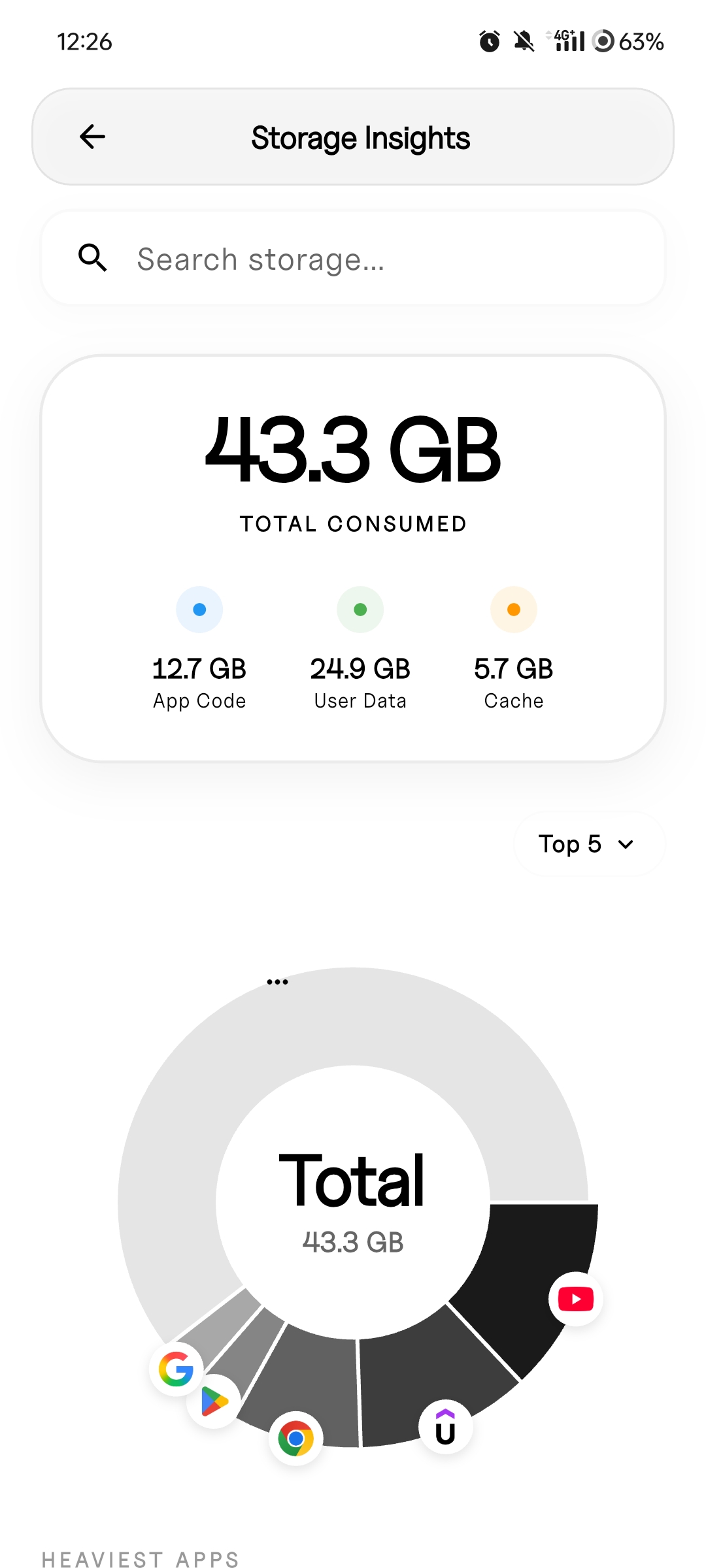
Storage Insights
Deep storage analytics—app size breakdown, cache usage, data footprint.
DeepLink Tester
NEW: Test and debug deep links with ease. Verify URL schemes, test custom protocols, and ensure your app links work perfectly.
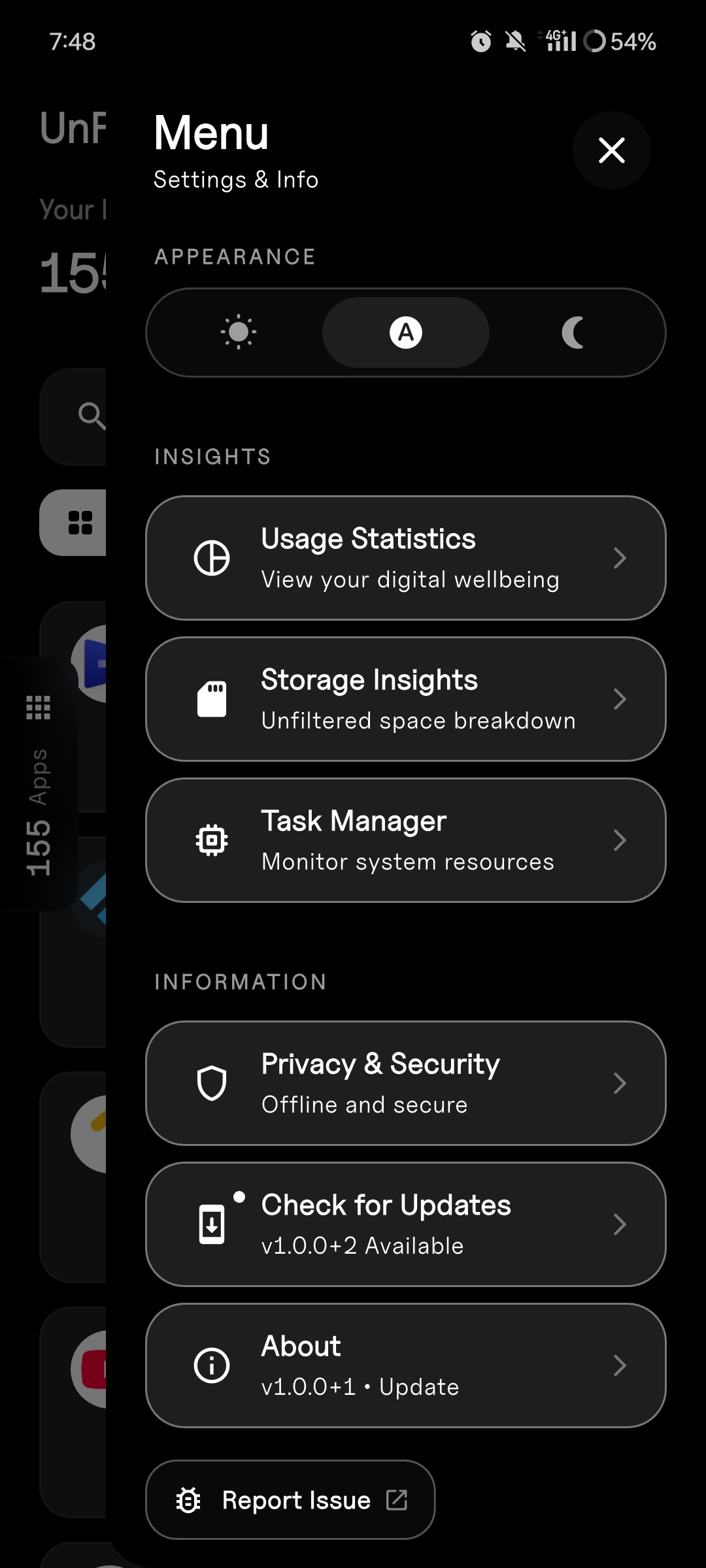
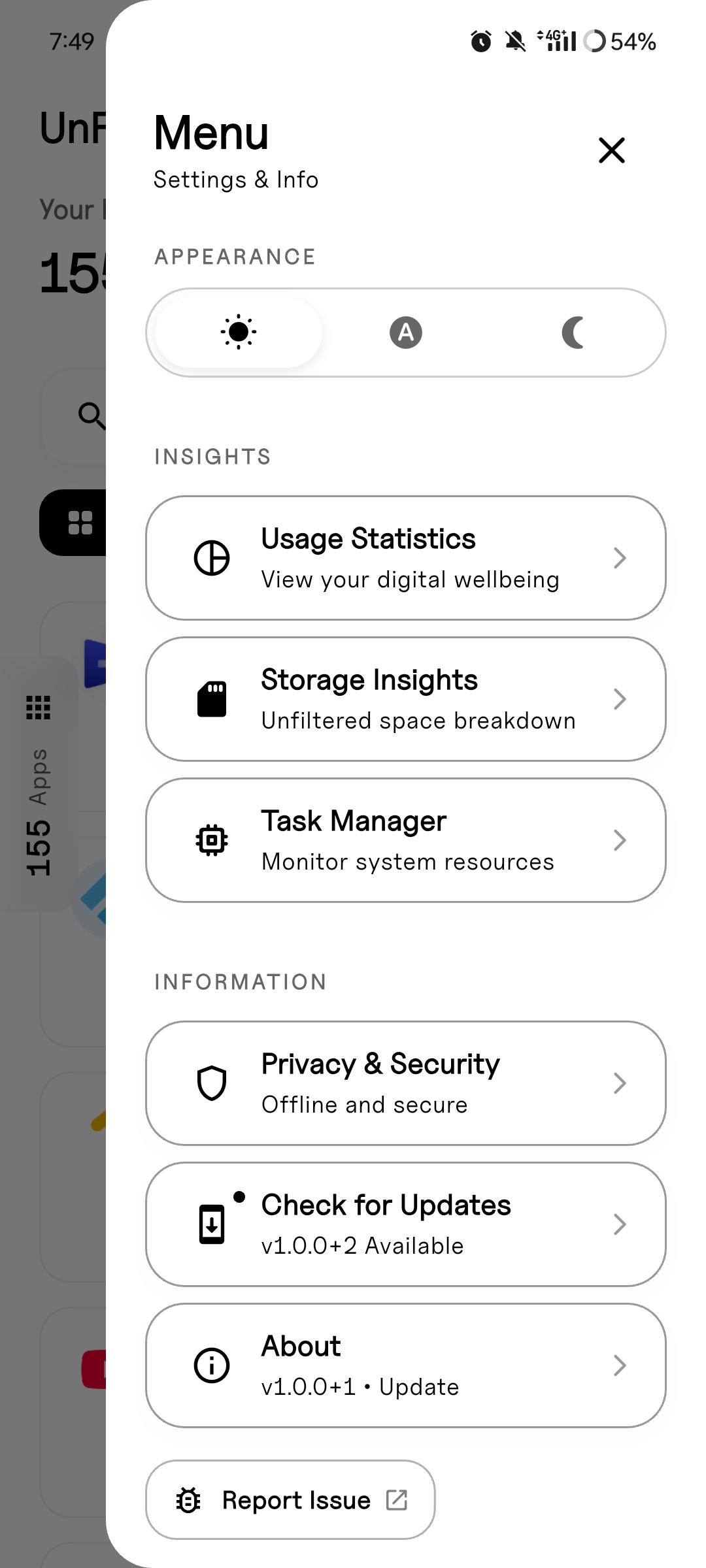
Menu
Quick navigation to filtering, search, and system overview modes.
Search
Find any app instantly with intelligent search across package names and display names.
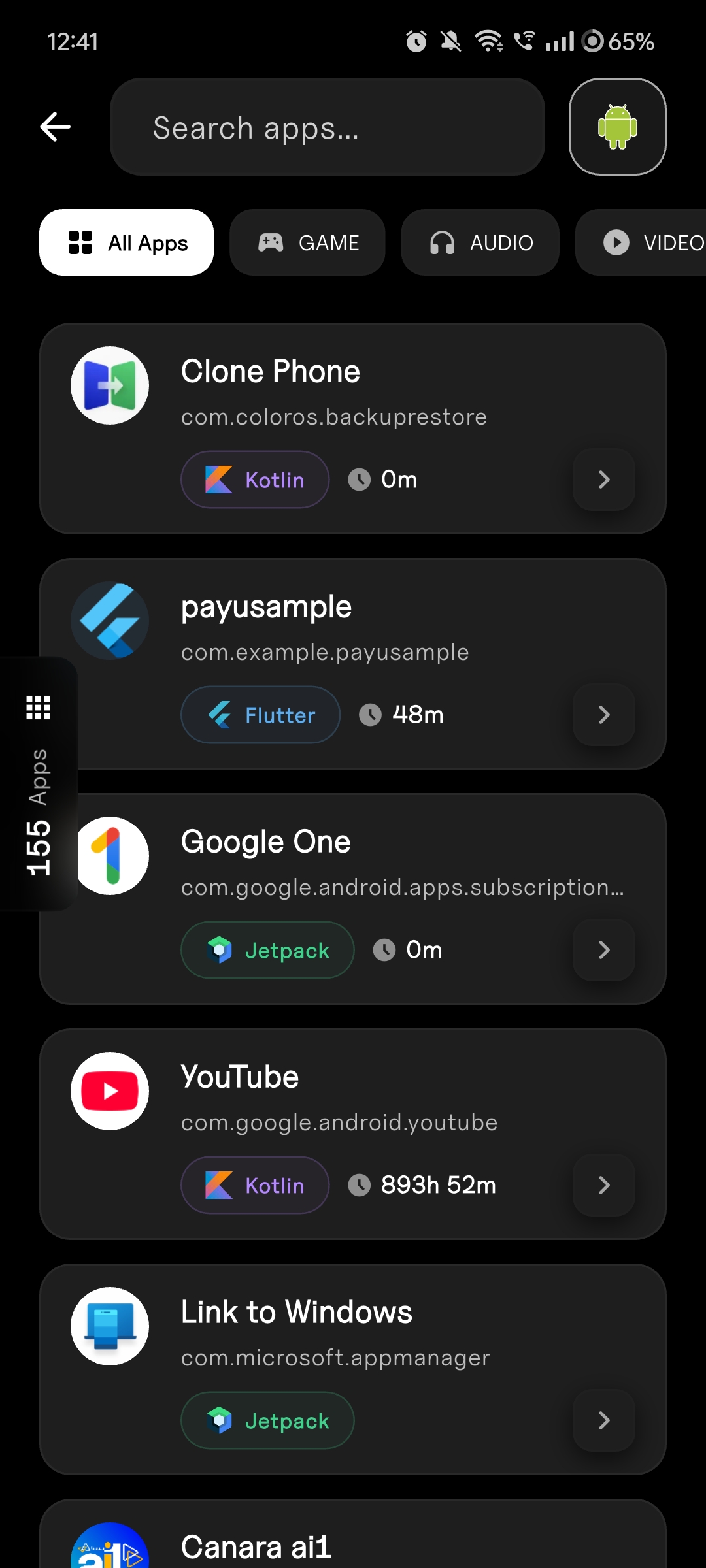
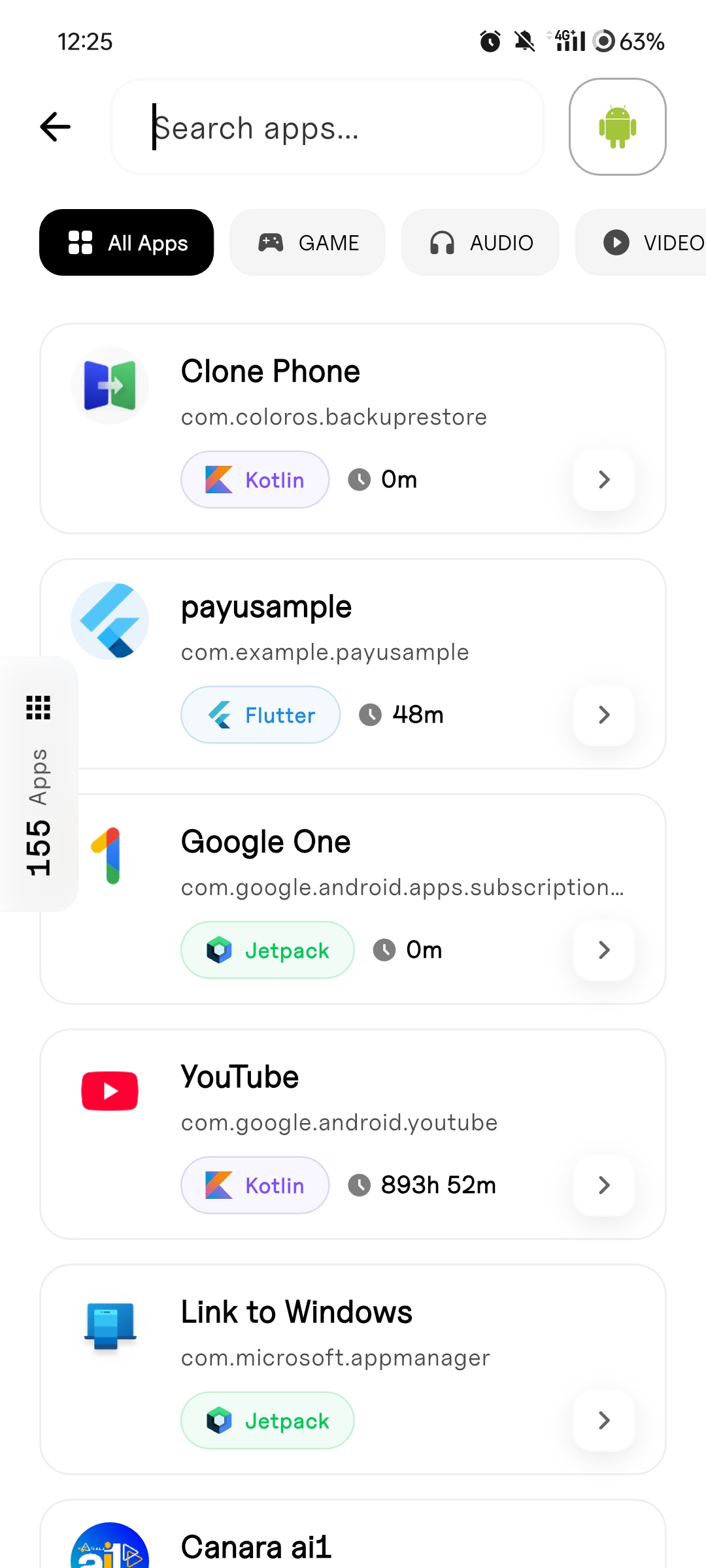
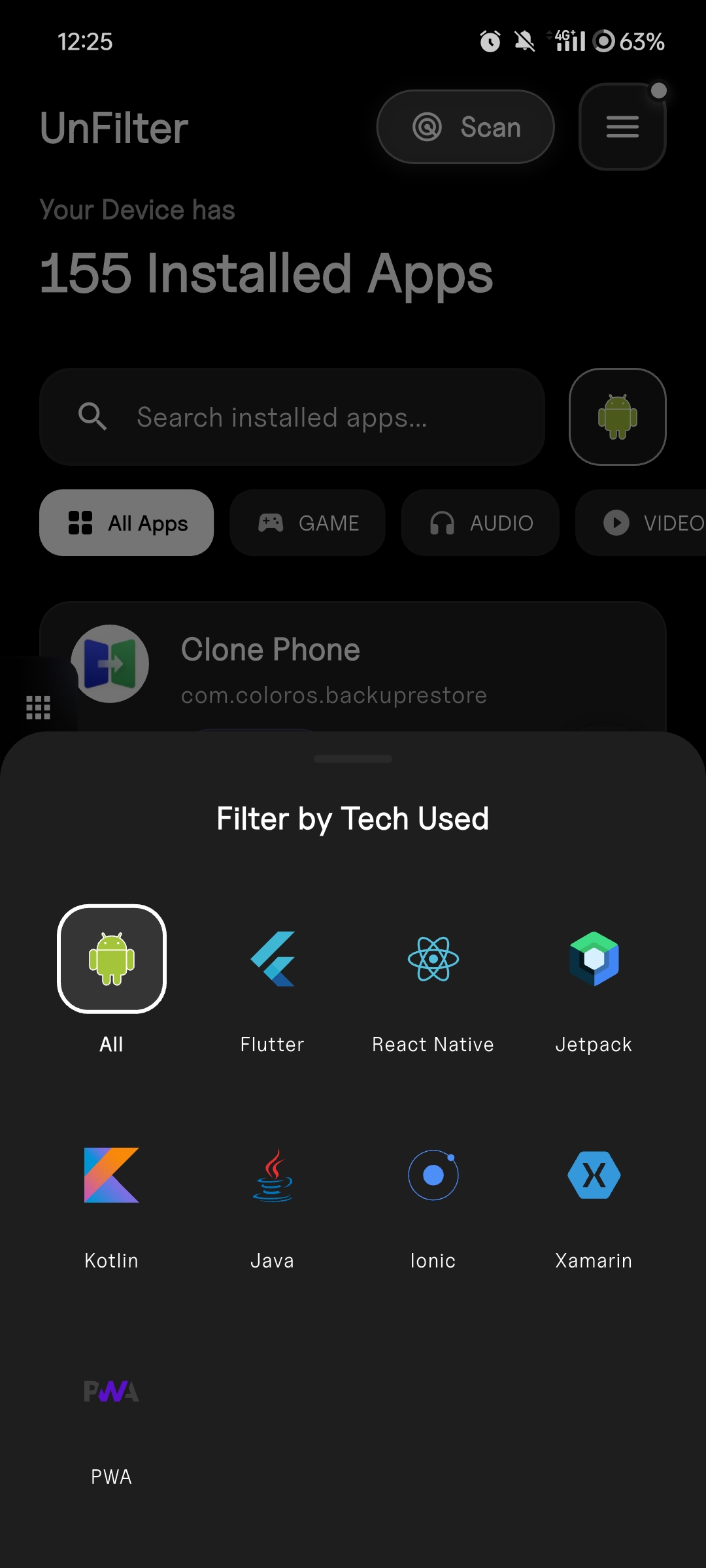
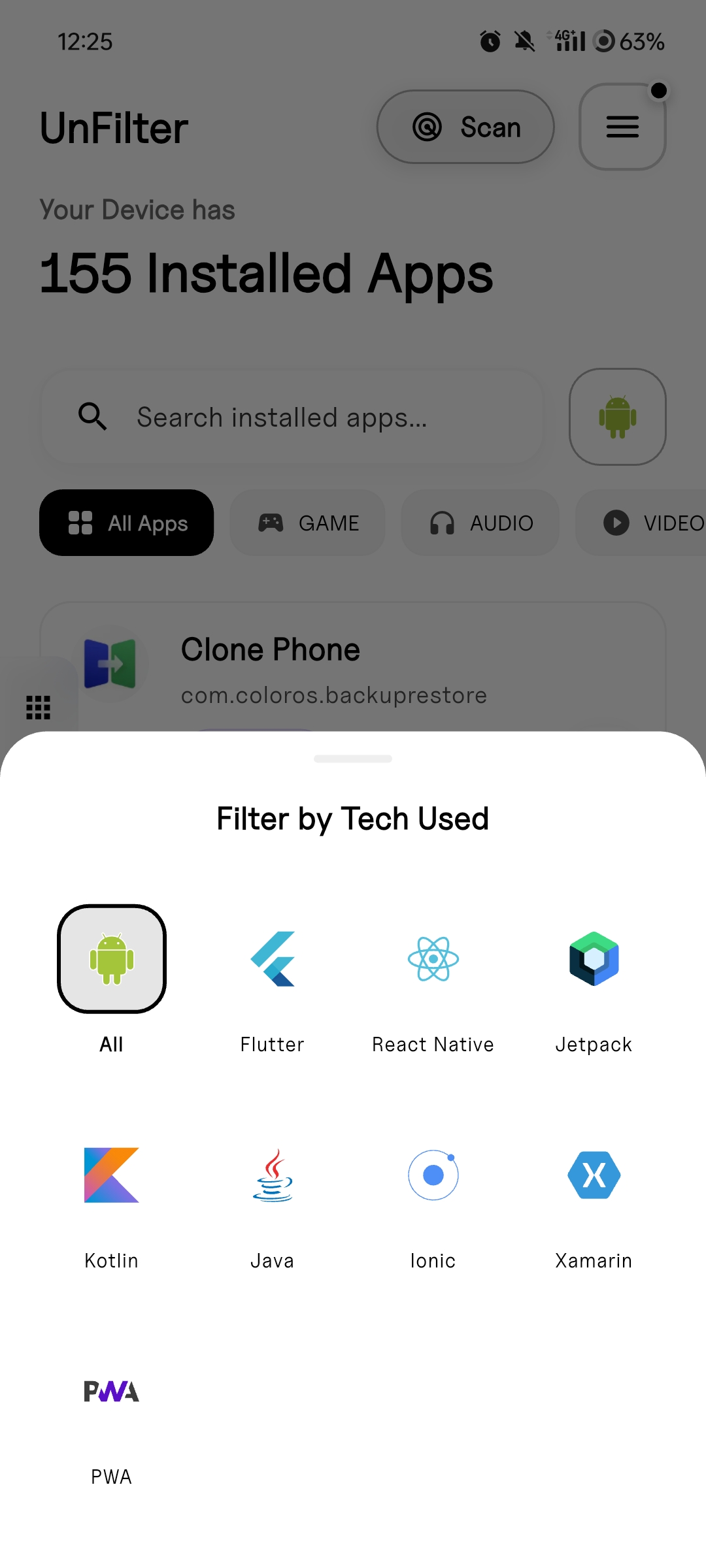
Stack Filters
Filter apps by framework—see only Flutter apps, or React Native, or pure native Android.
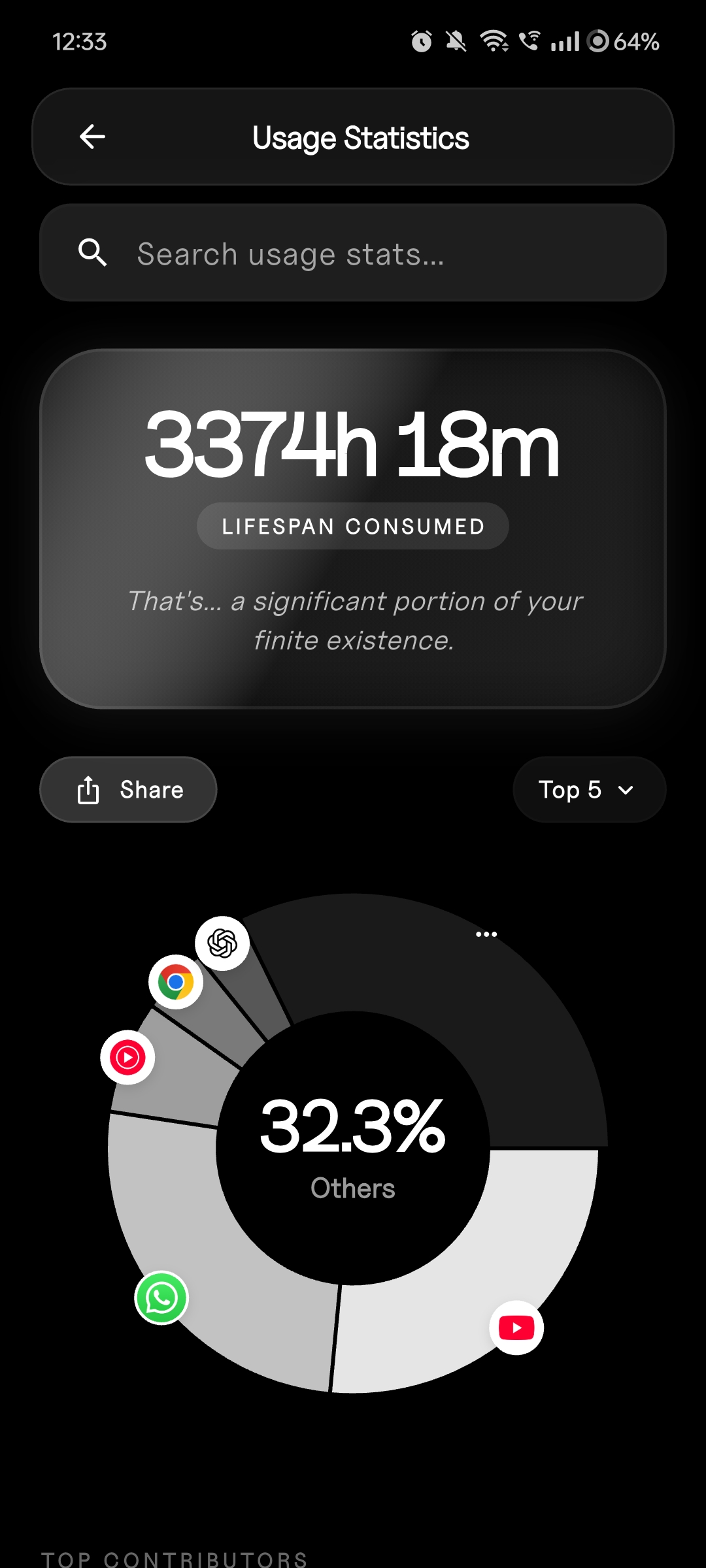
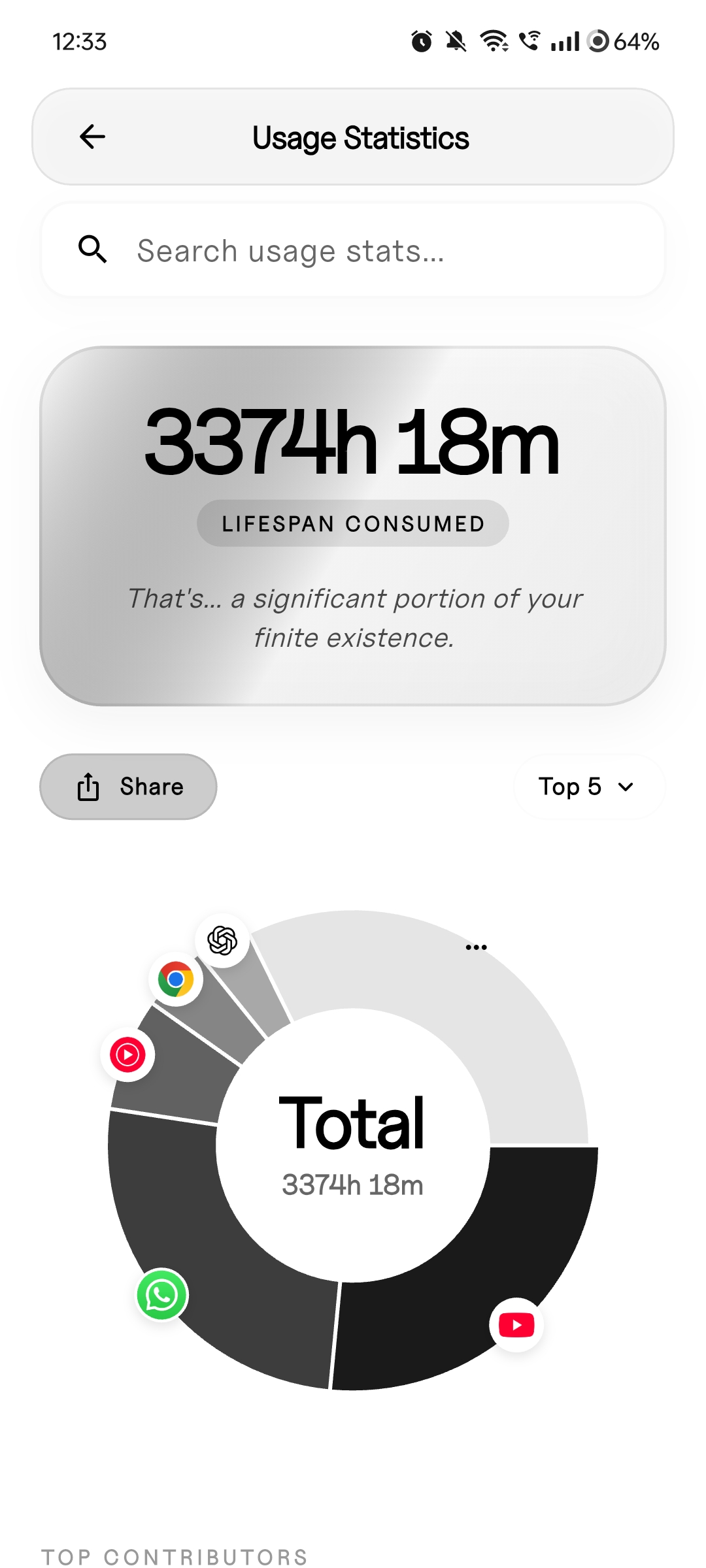
Usage Statistics
System-level usage data showing when and how often apps are accessed.
How it works
Package Metadata + Native Library Fingerprinting
Analyzes APK structure, manifest data, and native library signatures to identify frameworks without executing code.
Task Manager, Memory Visibility, Storage Analytics
Integrates with Android system APIs to surface real-time process data and storage breakdowns.
Feature-First Flutter Codebase
Clean architecture with data/domain/presentation splits. Modular, testable, and contributor-friendly.
Dual Interface System
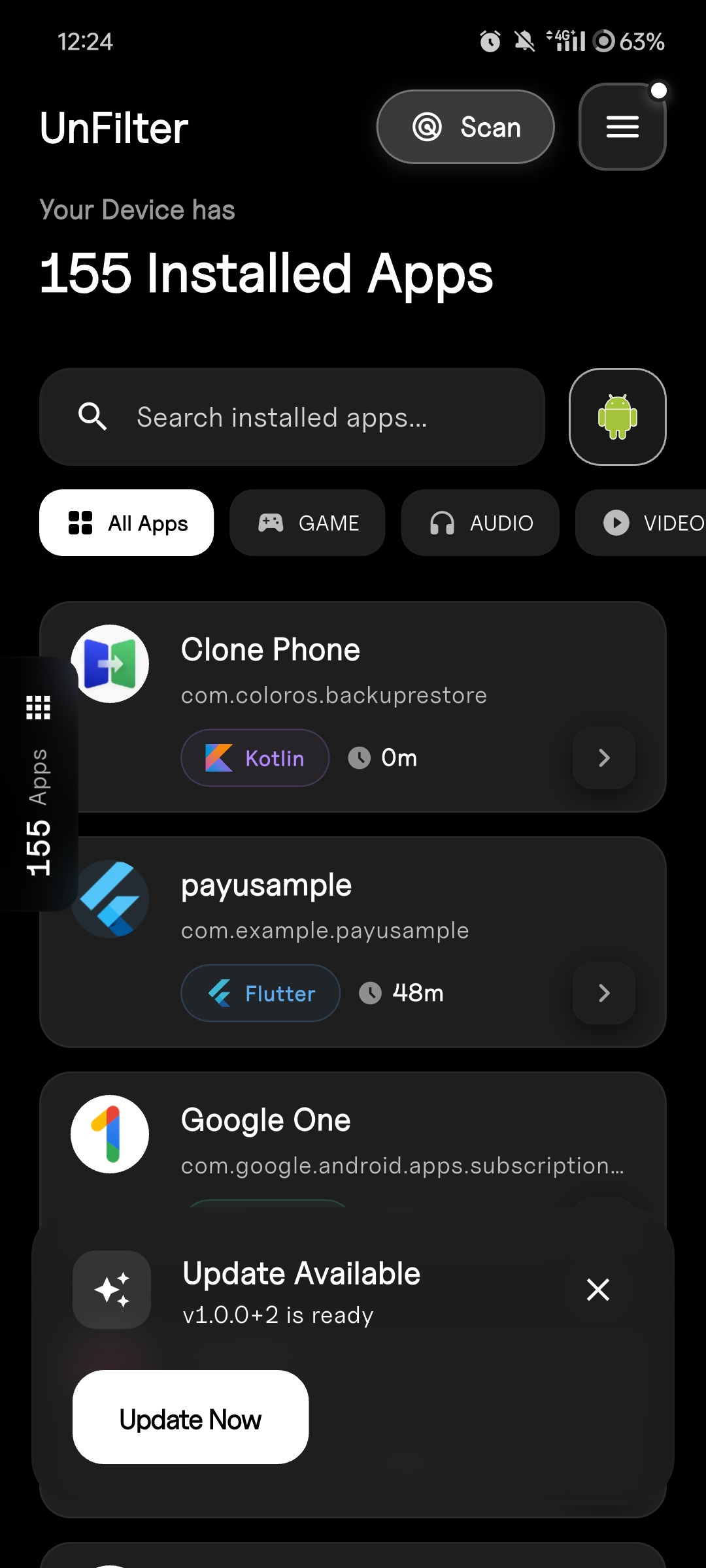
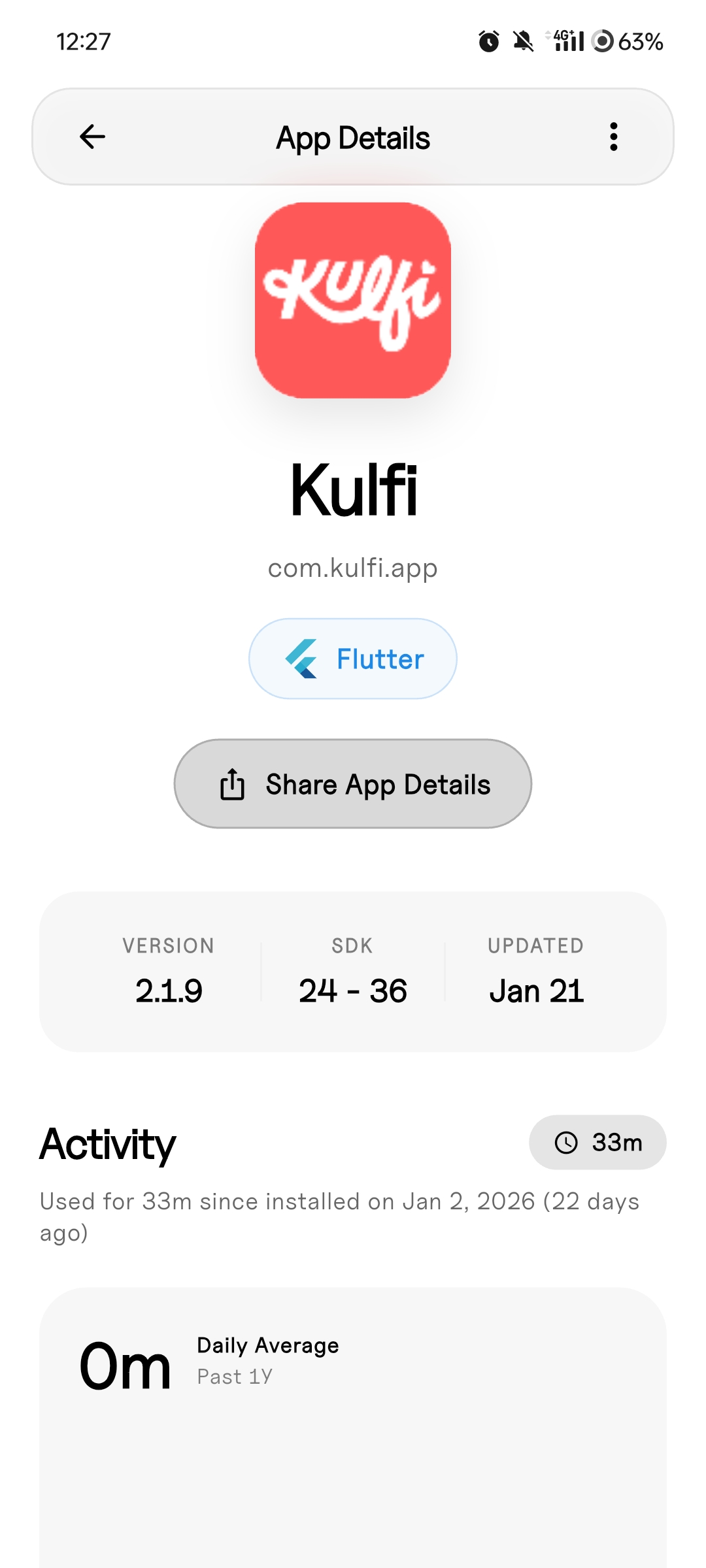
Complete dark and light mode implementation with consistent motion language throughout.
Private by Design
Everything runs locally on your device. No cloud processing, no telemetry, no data collection. Your phone stays your phone.
Fun to Explore
A polished UI that makes poking around feel lightweight instead of dry. Discover app internals without the technical overwhelm.
Peek into your apps playfully.
Unfilter makes exploring app internals fun and lightweight. Download now and discover what your phone is really made of.
